Tax Planning Strategies
Tax Planning for High-Income W-2 Earners | California 2026
A W-2 gives you fewer levers than a business owner has, but the ones you have still matter.…
READ MORE ● NexusWorks Team
Reviewed by a licensed CPA
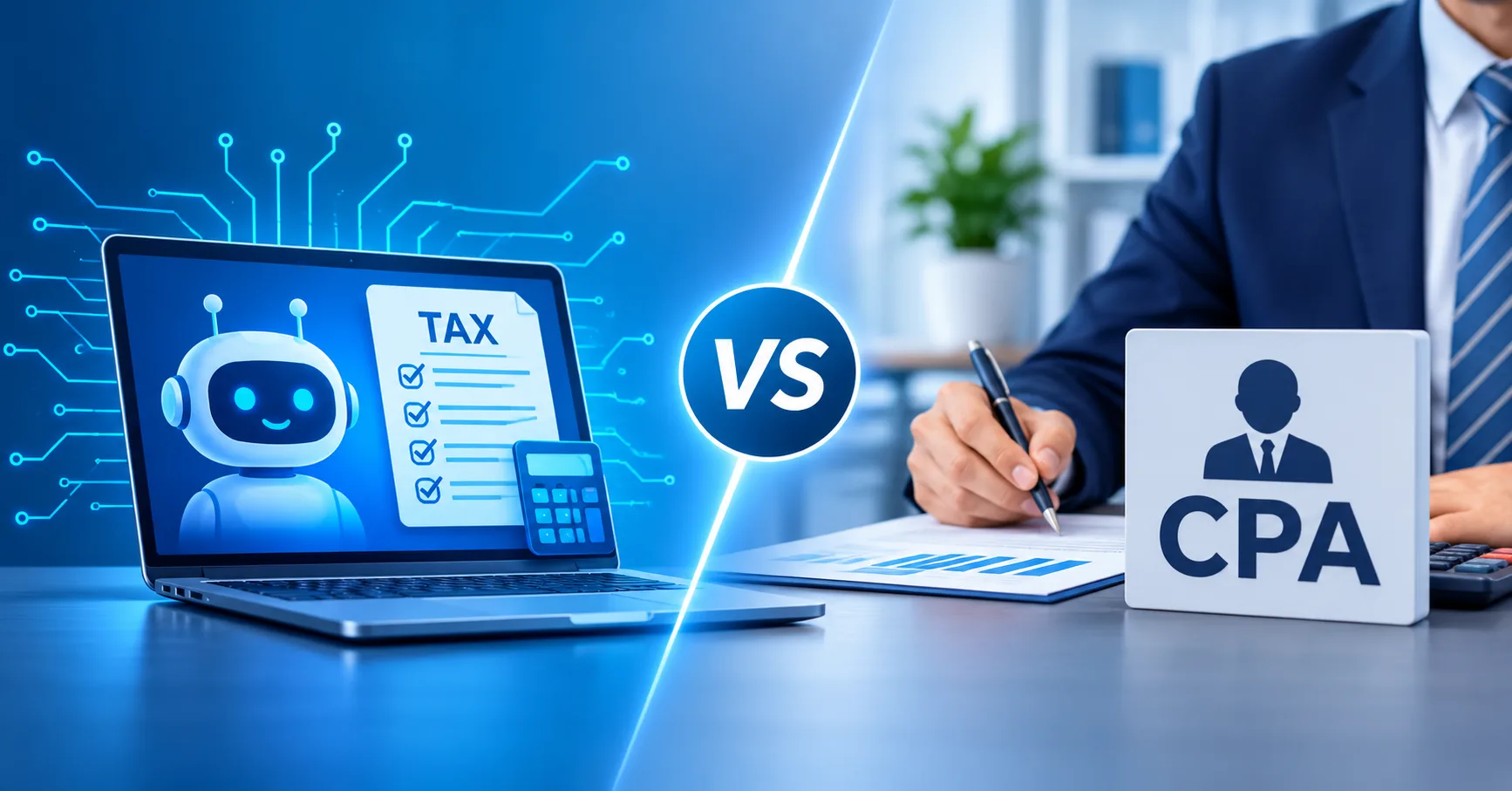
AI tax preparation tools handle data entry and standard situations well, such as W-2 income and common credits. They break down where judgment is required: entity and compensation decisions, multi-state allocation, prior-year errors, IRS notices, and planning before year-end. Software also cannot sign as a paid preparer bound by professional standards, and it cannot represent you before the IRS.
This article gives fair credit to what tax software and AI tools do well, walks through seven situations where professional judgment matters, and explains who is responsible for a return, who signs it and who can represent you. It closes with a hybrid approach and a simple checklist for deciding how to file in 2026.
For a simple return, tax software, including AI-assisted software, may be all you need. If your situation is straightforward, that’s a reasonable choice.
As a return gets more complex, the risk changes. The main danger is no longer a typo or a missed form. It’s a judgment error: a wrong assumption about residency, basis, entity treatment or what a notice is asking for. Software is built to process the answers you give it. It is less equipped to question whether those answers are right.
You are responsible for the accuracy of your tax return no matter which tool or preparer you use. The IRS states this directly in its guidance on choosing a tax professional.
A general rule of thumb: If your return is mostly information from forms someone else sends you, software may fit. If it depends on decisions, allocations or explanations, you likely need judgment.
Modern tax software is good at a lot, and AI features are making it faster and easier to use. In general, these tools are strong at:
For a taxpayer with W-2 income, a few 1099s, one state and no major changes, these strengths often cover the whole job.
Choosing how to structure a business, such as whether an LLC keeps its default tax treatment or elects S corporation treatment, has tax consequences. So does setting reasonable compensation for an S corporation owner. The IRS requires reasonable compensation for S corporation shareholder-employees before non-wage distributions. Software can report the result, but it generally can’t evaluate whether the decision was right for the business. The IRS requires reasonable compensation for S corporation shareholder-employees before non-wage distributions. Software can report the result, but it generally can’t evaluate whether the decision was right for the business.
Moving states, working remotely or earning income sourced to more than one state raises residency and sourcing questions. California taxes residents on all income and nonresidents on California-source income, and it decides residency based on facts and circumstances, as the FTB explains in its residency guidance. Software asks for your dates and percentages. It can’t tell you whether those answers will hold up.
Rentals involve depreciation, the line between repairs and improvements, passive activity loss limits and special rules for short-term rentals. Each one depends on facts that software can’t see, such as what the work on a property actually was or how much time you spent managing it. IRS Publication 527 covers the basics.
RSUs, ESPPs and stock options are taxed partly as wages and partly as capital gains. Broker Forms 1099-B often show a cost basis that leaves out the income already taxed on your W-2, which can lead to paying tax twice on the same income if the basis isn’t adjusted. Our guide to tax planning for high-income W-2 earners covers the RSU withholding gap in more detail.
Brokers began issuing Form 1099-DA in early 2026, reporting gross proceeds from digital asset sales on or after January 1, 2025. Cost basis reporting generally applies only to assets acquired on or after January 1, 2026, and held in the same custodial account until sale. For older assets or assets transferred between platforms, basis may not appear on the form, and you remain responsible for reporting the correct basis and gain or loss. The IRS digital assets page has current guidance.
Finding a mistake on an earlier return raises several questions: whether an amendment is needed, which years are still open and how a correction affects your state return. You can generally claim a refund on Form 1040-X within three years of filing or two years of paying the tax, whichever is later. Deciding whether and how to amend is a judgment call.
A notice may be a simple math adjustment, a request for documents or the start of an examination. Understanding what it means, responding correctly and meeting the deadline matter. The IRS explains how to understand your notice or letter. If the matter escalates, representation becomes the issue, which software can’t provide.
Planning is a separate need. All seven situations are about reporting what already happened. Making decisions before December 31 that change what you owe is a different service, and software generally doesn’t address it. Our guide to tax planning vs. tax preparation explains the difference.
Not sure whether your situation needs more than software? Get a CPA review of your situation.
| Situation | AI/software fit | CPA fit | Why |
|---|---|---|---|
| W-2 only | Usually strong | Usually not needed | Most data comes from forms that software imports and checks well. |
| Rental | Possible with care | Often helpful | Depreciation, repairs vs. improvements and passive loss rules depend on facts. |
| S corp | Limited | Strong | Entity decisions, owner pay and a separate business return need judgment. |
| Multi-state | Possible with care | Often helpful | Residency and income sourcing depend on facts that software can’t verify. |
| Crypto/1099-DA | Possible with care | Often helpful | Basis is often missing on Form 1099-DA and must be reconstructed. |
| IRS notice | Limited | Strong | Responding correctly may require analysis and, if needed, representation. |
| Equity comp | Possible with care | Often helpful | Broker basis often needs adjusting to avoid double-counting W-2 income. |
Fit depends on the details of each situation, and many people use software with a CPA review for more complex items.
The taxpayer is legally responsible for the accuracy of their return, whether it was self-prepared with software or prepared by a professional. Using a tool or a preparer does not shift that responsibility. Review your return before you sign it, whoever prepared it.
Anyone paid to prepare federal tax returns must have a Preparer Tax Identification Number (PTIN) and must sign the returns they prepare. CPAs are also bound by state licensing rules and professional standards. Tax software is a tool, and it does not sign as a preparer.
In California, paid preparers who are not CPAs, enrolled agents or attorneys generally must register with the California Tax Education Council (CTEC). You can verify a California CPA’s license through the California Board of Accountancy, and search the IRS Directory of Federal Tax Return Preparers for credentialed preparers.
CPAs, enrolled agents and attorneys generally have unlimited representation rights before the IRS, covering audits, collections and appeals, under Circular 230. Other paid preparers have limited representation rights only if they participate in the IRS Annual Filing Season Program, and then only for returns they prepared and signed. Representation is authorized on Form 2848.
Some software products offer audit support or assistance services. Read the terms carefully to understand what is included and who would actually be speaking with the IRS for you.
Tax return preparers, including tax software providers, are generally subject to federal rules under Internal Revenue Code section 7216 that restrict using or disclosing tax return information without your consent. Read any consent request before you agree to it.
General-purpose AI chatbots may not be designed for tax data. Be careful about entering Social Security numbers, account numbers or full tax documents into them, and review the tool’s privacy terms first.
AI tools can produce confident answers that are wrong, including outdated limits or rules that don’t apply to your situation. Check AI-generated tax explanations against official IRS or FTB sources before relying on them.
Many people don’t need to choose one or the other. Common hybrid approaches include:
Any review engagement should have a clear scope: what the CPA is reviewing, what they aren’t, and who signs. Reviewing a return you prepared is a different service from preparing it. A CPA who only reviews your work generally does not sign as the preparer, so if you want a CPA’s signature on the return, expect the CPA to prepare it.
Want a professional view on which parts of your return need judgment? Get a CPA review of your situation.
This is a general guide, not a rule.
Software may fit if:
Consider a CPA if:
Work through these questions in order. The first “yes” points to a suggested approach. This is a general guide, not personalized advice.
NexusWorks is led by California-licensed CPAs. Our tax filing and compliance services include business and personal tax returns, multi-state filings, tax amendments and IRS notice handling. For small business owners, our small business CPA services cover the broader picture.
A clearly scoped CPA engagement generally follows these steps:
We confirm scope before work begins and can’t promise a particular outcome. If you also want to plan ahead, see our tax planning and strategy services.
AI tax preparation tools can handle many standard returns, such as W-2 income with common deductions and credits. They are less suited to situations that need judgment, including entity decisions, multi-state income, prior-year errors and IRS notices. You remain responsible for the return either way, so review it before filing.
Accuracy depends mostly on the information you enter and how complex your situation is. Software does math and form checks well, but it can’t verify facts it isn’t given or judge whether your answers are right. The taxpayer is responsible for the return’s accuracy, whatever tool is used.
You are. Taxpayers are legally responsible for the accuracy of their returns, whether self-prepared with software or prepared by a professional. Paid preparers can face their own penalties, and some software products offer guarantees or support, so read the terms to understand what they cover.
No. Software cannot represent you before the IRS. CPAs, enrolled agents and attorneys generally have unlimited representation rights, and some other preparers have limited rights for returns they prepared. Some software products offer audit support services, so check their terms to see who would actually help you.
Consider a CPA when you own a business entity, have rental property, equity compensation or digital assets, earn income in more than one state, find an error on a prior return, receive an IRS or FTB notice, or want to plan before year-end. Simple returns often don’t need one.
Be cautious. General-purpose AI chatbots may not be designed to handle tax data, so avoid entering Social Security numbers, account numbers or full tax documents. Review the tool’s privacy terms first. Tax preparers and tax software providers are subject to federal rules on using and disclosing return information.
The question isn’t “AI or CPA?” It’s which parts of your situation need professional judgment. Use software where it’s strong, bring in a CPA where decisions, allocations or representation are involved, and remember that the return is yours to sign either way.
Not sure whether your situation needs more than software? Get a CPA review of your situation.
You can also learn more about NexusWorks or contact us to discuss your situation.
Keep reading
Tax Planning Strategies
A W-2 gives you fewer levers than a business owner has, but the ones you have still matter.…
READ MORE ●Tax Planning Strategies
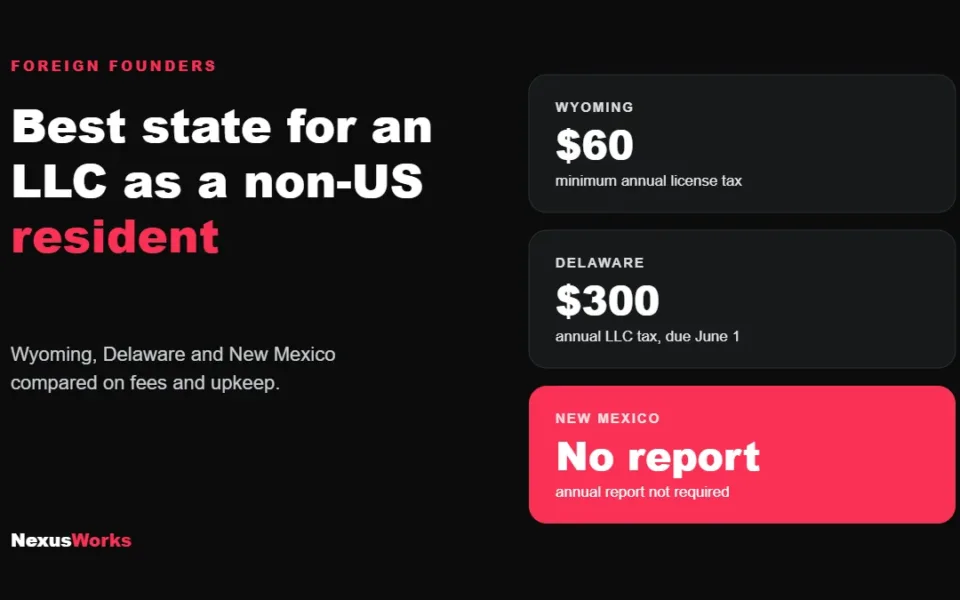
Wyoming is usually the best state for a non-US founder running an online business from abroad. Compare Wyoming,…
READ MORE ●Tax Planning Strategies
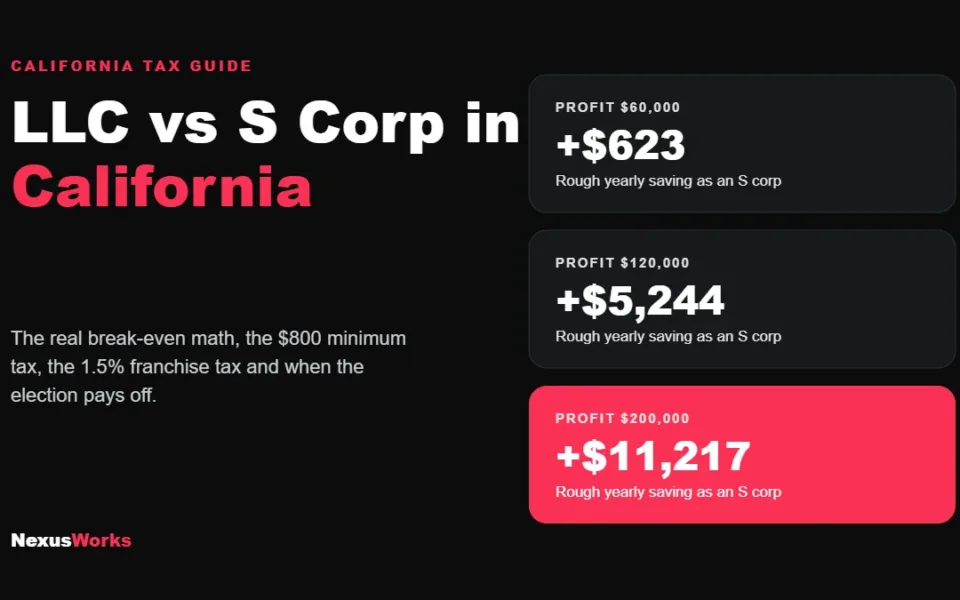
An LLC taxed as an S corp in California usually pays off once profit passes about $80,000 to…
READ MORE ●Hi there! Have a question about tax, bookkeeping or CFO support? Send us a message on WhatsApp.
Start chat