
Business
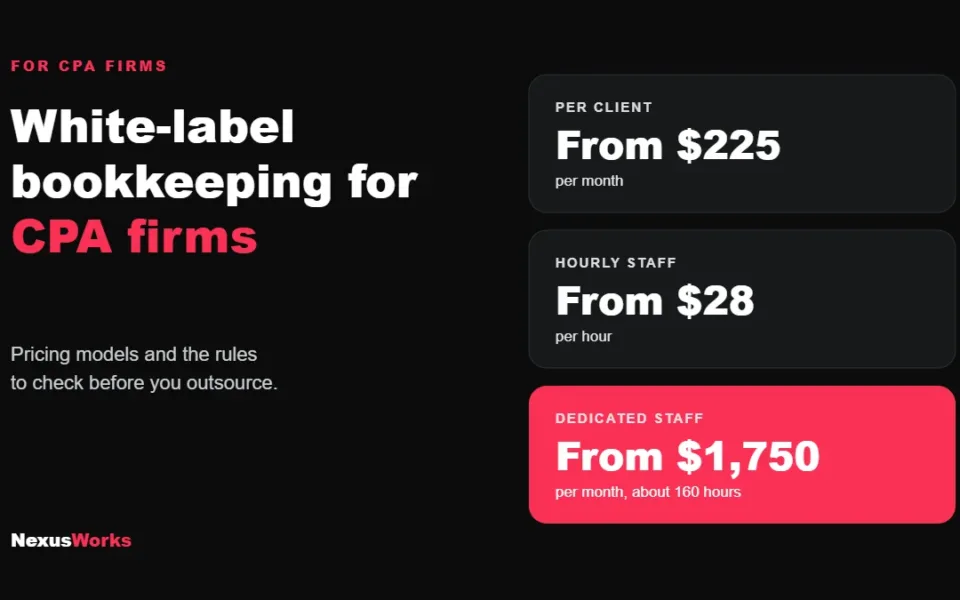
White-Label Bookkeeping for CPA Firms
How white-label bookkeeping works for CPA firms, what it costs, and the Section 7216 and data security rules…
READ MORE ● NexusWorks Team
Reviewed by a licensed CPA
Short answer: Before the first QuickBooks payroll, open your state withholding and unemployment accounts, collect W-4s and state forms, set up deductions with the right tax treatment, and map wages, employer taxes and liabilities to your chart of accounts. Then reconcile payroll liabilities every month.
QuickBooks Payroll will happily run a paycheck on day one. That’s the problem. The software doesn’t know that your state unemployment account isn’t open yet, that your first employee filled in the wrong withholding form, or that payroll taxes are posting to an expense account nobody reconciles. Those mistakes stay quiet until the first quarterly return, or until a state agency sends a letter.
As QuickBooks Online ProAdvisors, we clean up a lot of payroll files that were set up in an afternoon. This is the checklist we run through before the first payroll, written so you can use it yourself.
Payroll software files and pays taxes on your behalf, but only into accounts that already exist. Have these ready first.
| What you need | Why |
|---|---|
| Federal EIN | Every federal payroll filing is made under it |
| State withholding account number | Required in states with income tax, so withholding has somewhere to go |
| State unemployment (SUI) account and your assigned rate | New employers get a starting rate in a letter from the state |
| Workers’ compensation policy | Required for employees in most states, California included |
| Business bank account for payroll | Paychecks and tax payments come out of it |
In California, an employer must register with the EDD within 15 calendar days after paying more than $100 in wages in a calendar quarter. Register first, then run payroll, so your first deposit doesn’t bounce off a missing account.
Paying contractors instead? Contractors don’t go through payroll. They get a Form 1099-NEC at year end, and you should have a Form W-9 on file before the first payment.
Weekly, every two weeks, twice a month or monthly. Check your state’s rules on how often wages must be paid before you pick one. Changing schedules later is possible but messy in the middle of a quarter.
Enter your state account numbers and unemployment rate exactly as they appear on the state letters. For federal deposits, the IRS tells you whether you are a monthly or semiweekly depositor based on a lookback period. New employers usually start as monthly depositors. If your QuickBooks plan pays taxes for you, confirm the schedule shown matches the IRS assignment.
Set up only what you use: hourly, salary, overtime, bonus, reimbursements. Health insurance, retirement plan contributions and garnishments each need the right tax treatment. A 401(k) deduction set up as an after-tax item is one of the most common errors we fix, and it overstates taxable wages all year.
This is the step that decides whether your books make sense later. We map:
If the payroll liability accounts keep growing month after month, something isn’t being paid or isn’t being recorded. Reconciling them monthly takes ten minutes and catches it early.
Switching to QuickBooks mid-year? Enter year-to-date wages and taxes for every employee, by quarter. Skip this and the W-2s in January will be wrong.
| Filing | When |
|---|---|
| Federal tax deposits | Monthly or semiweekly, depending on your IRS deposit schedule |
| Form 941 (quarterly federal payroll return) | April 30, July 31, October 31 and January 31 |
| California DE 9 and DE 9C (quarterly) | Same months as Form 941 |
| Form 940 (federal unemployment, annual) | January 31 |
| Forms W-2 to employees and the SSA | January 31 |
QuickBooks Payroll can file and pay most of these automatically on its full-service plans. Automatic doesn’t mean checked. Open each quarterly return before it goes out and compare total wages to your profit and loss report.
Intuit sells QuickBooks Online Payroll in tiers (currently Core, Premium and Elite). The differences are mostly speed of direct deposit, time tracking, HR support and how much tax penalty protection is included. For a business with fewer than ten salaried employees in one state, the entry tier is usually enough. Multi-state payroll, hourly crews or job costing usually justify the middle tier. Check Intuit’s current plan terms before you buy, because features and prices change.
Any one of these is fixable, and it’s much cheaper to fix in the same year. Our bookkeeping services include payroll reconciliation every month, and if the file is already tangled, our QuickBooks Online cleanup guide explains how we untangle it.
Yes. Intuit’s setup wizard handles the basics. The parts people get wrong are state account numbers, deduction tax treatment and mapping payroll to the right accounts, so it’s worth a ProAdvisor review before the first quarterly filing.
A ProAdvisor checks your tax accounts, pay types and deductions, maps payroll to your chart of accounts, and reconciles payroll liabilities each month so your filings and your books agree.
Within 15 calendar days after you pay more than $100 in wages in a calendar quarter. Register before your first payroll if you can.
On its full-service plans, yes, it can file and pay federal and state payroll taxes automatically. You are still responsible for the numbers, so review each return before it’s filed.
Setting up payroll for the first time, or switching mid-year? Book a call and we’ll walk through your setup before the first paycheck goes out.
Keep reading
Business
How white-label bookkeeping works for CPA firms, what it costs, and the Section 7216 and data security rules…
READ MORE ●Business
Get the exact wording from whoever is asking, then go to the CPA who prepares your returns with…
READ MORE ●Business
Start with today's bank balance, then list expected customer payments and every payment due, week by week, for…
READ MORE ●Hi there! Have a question about tax, bookkeeping or CFO support? Send us a message on WhatsApp.
Start chat